Member Guide
This page is for regiment members — whether you're brand new and still need to apply, or already in and want to know what you can actually do once you're logged in.
Logging In
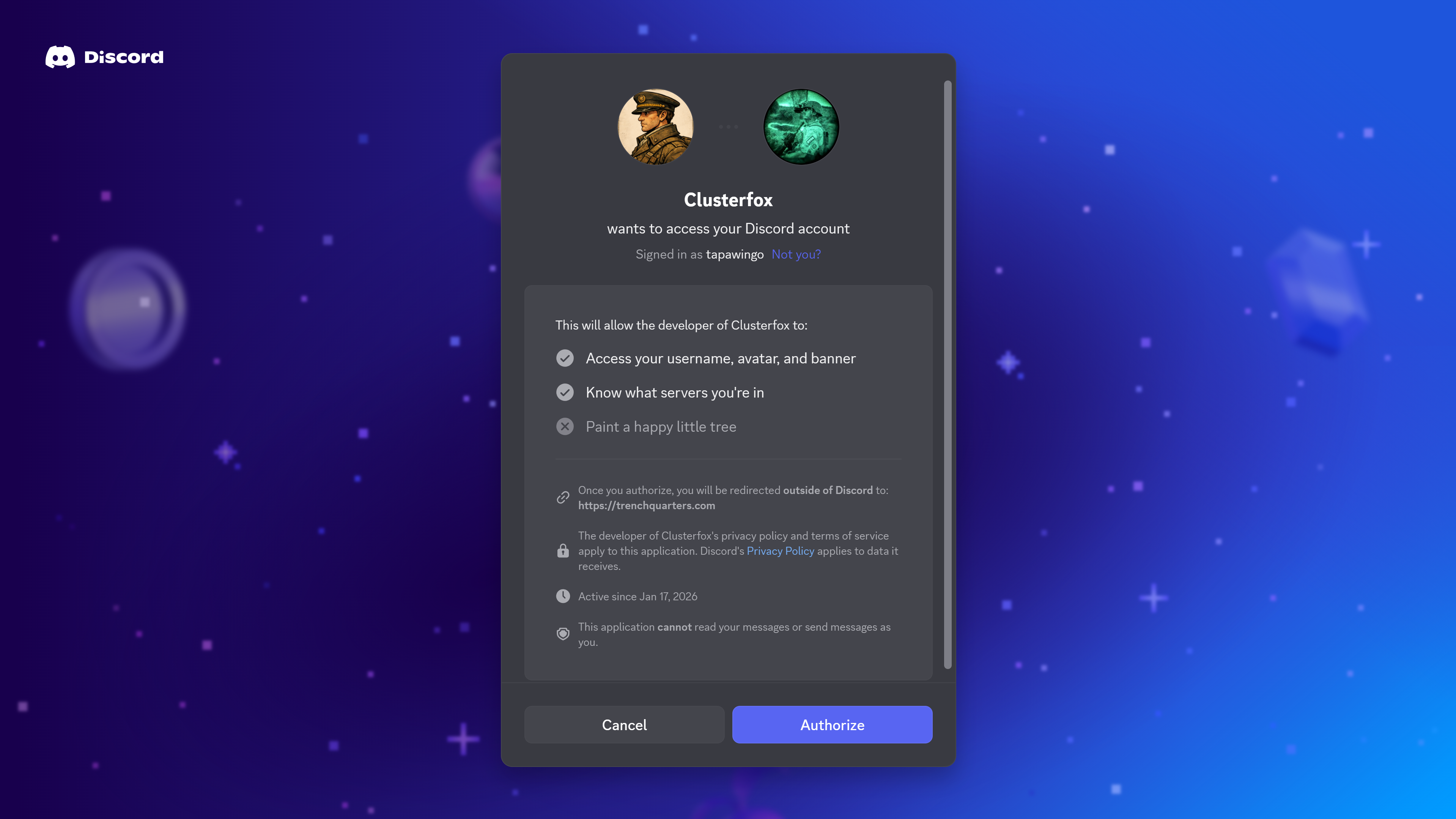
Click Log In and sign in with your Discord account. You'll be sent back automatically once that's done — no separate password to create or remember.
If your Discord account is linked to more than one regiment, you'll be asked which one to use first. You can switch between them any time from the selector at the top of the page.
What You Can Access
Your access depends on the TrenchQuarters role your Command staff has assigned to you. As a Grunt (the default for every verified member), here's what that gets you:
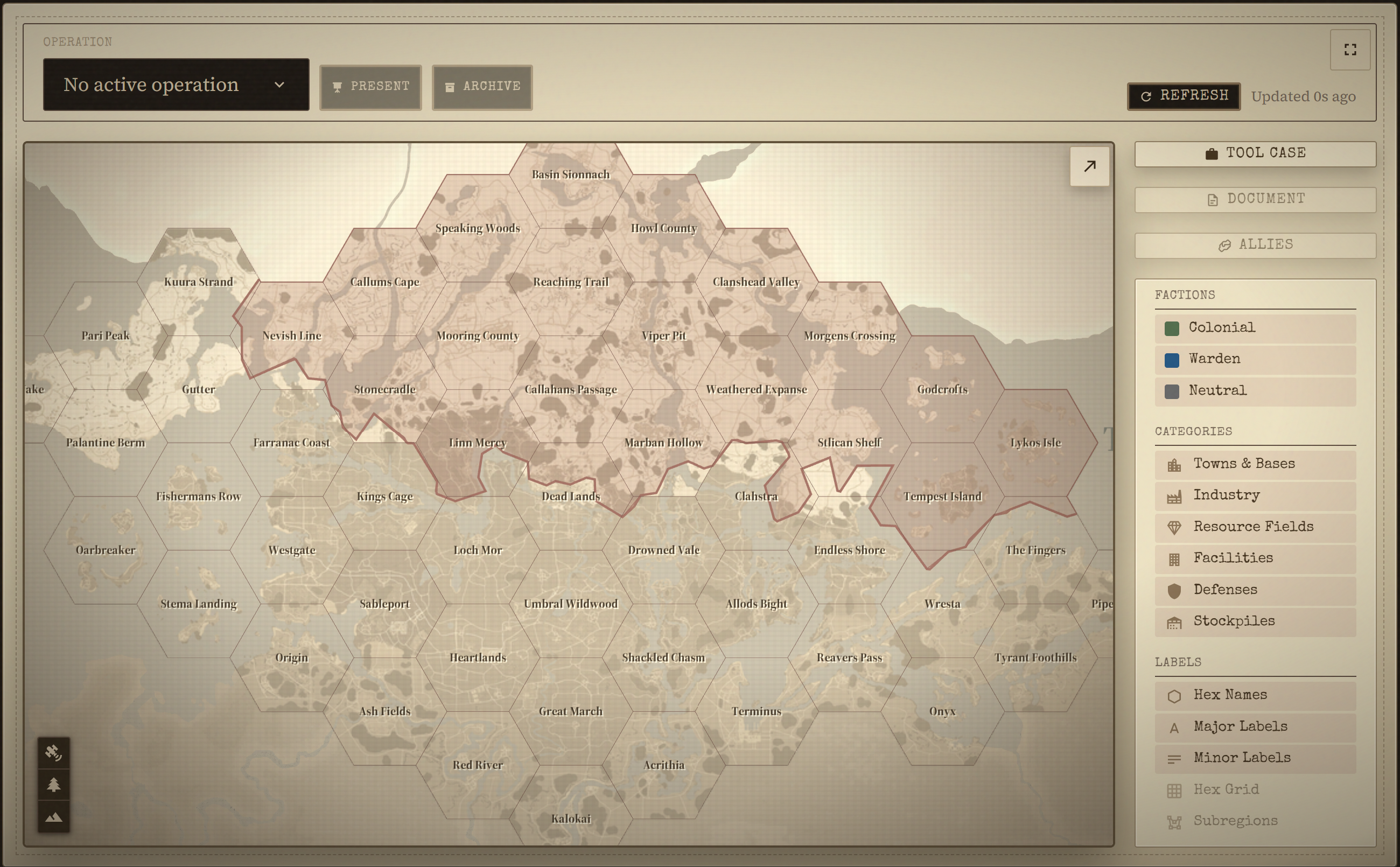
| Room | What you can do |
|---|---|
| Operations Room | View the live war map. Opening an actual operation — including read-only views like the WARNO or OPORD — needs  S3 - Operations or Command. S3 - Operations or Command. |
| Intelligence Room | View intel reports on the map, and submit your own. Verifying or rejecting someone else's report needs  S2 - Intel, S3-Operations, or Command. S2 - Intel, S3-Operations, or Command. |
| Supply & Service | View depot listings, requests, and supply status (read-only) — and you can mark a request item as "being worked on" yourself. Creating stockpiles needs 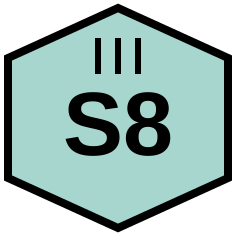 S8 - Depots; creating requests needs S8 - Depots; creating requests needs 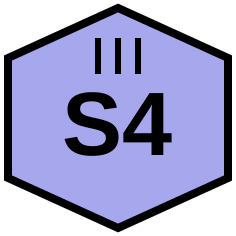 S4 - Logistics. S4 - Logistics. |
| Rank & File | Still early days here — there's nothing to see yet beyond a placeholder. Check back as it grows. |
| Field Manual | Read and search every published page. Writing or editing pages is Command-only. |
| War Desk | View stats and after-action reports for past wars. Syncing the current war needs S3-Operations or Command. |
If a button or page seems to be missing, that's almost always a role thing, not a bug — ask your Command staff if you think you should have it. The full role breakdown is in First-Time Guild Setup.
Verification
If your regiment uses a verification gate, you'll need to complete an application before you get full access.
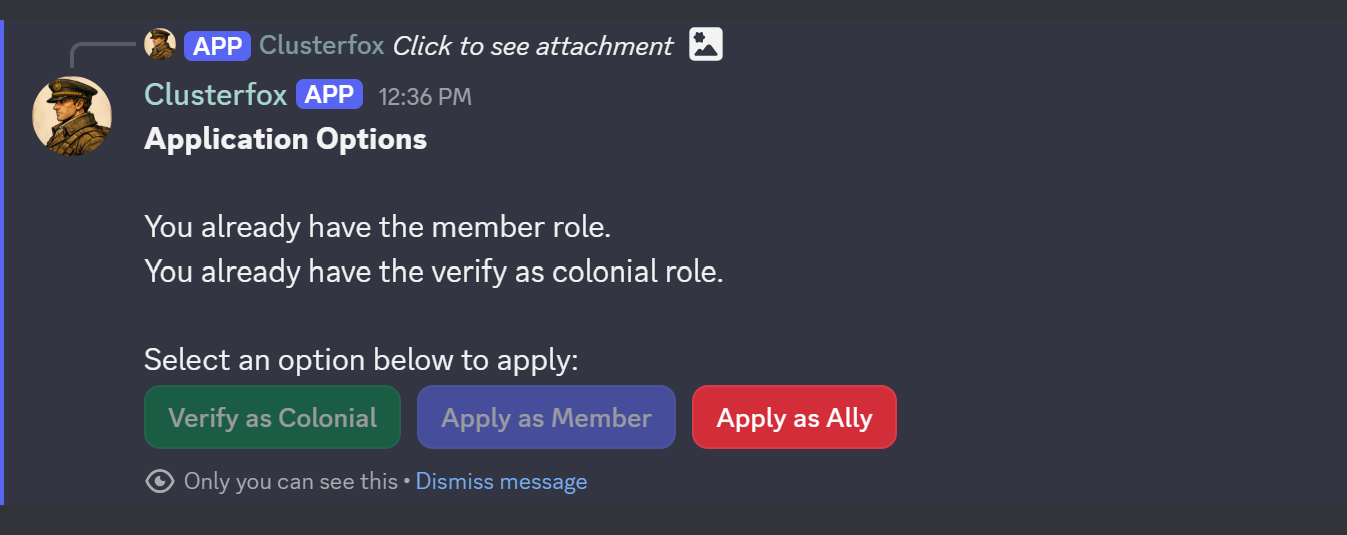
Applying
- Go to the designated verification channel in Discord.
- Click Show application options.
- Pick the application type that fits you (Member, Ally, or Faction).
- Fill in the form that pops up with your regiment's intake questions, then submit.
- You'll get a DM confirming it was received.
Faction Verification
Applying as a Faction member works a bit differently:
- After clicking the Faction button, you'll get a DM with a short verification code and instructions.
- Type the code into the in-game chat on the map screen, then screenshot the chat showing it.
- Send that screenshot to the bot via DM.
- Send your Steam profile URL in the same DM conversation.
- Once both are in, your submission goes to staff for review.
The code expires after the time shown in the DM — if it runs out before you finish, just message a staff member.
After You Apply
Staff review your submission in a private channel, and you'll get a DM once they decide:
- Accepted — your Discord role is assigned automatically.
- Rejected — the DM includes the reason staff gave.
Field Manual
The Field Manual is your regiment's own wiki — doctrine, SOPs, and reference guides written and maintained by your Command staff.
Reading
Go to Field Manual in the main navigation to reach the index, then click any category to see its pages.
Searching
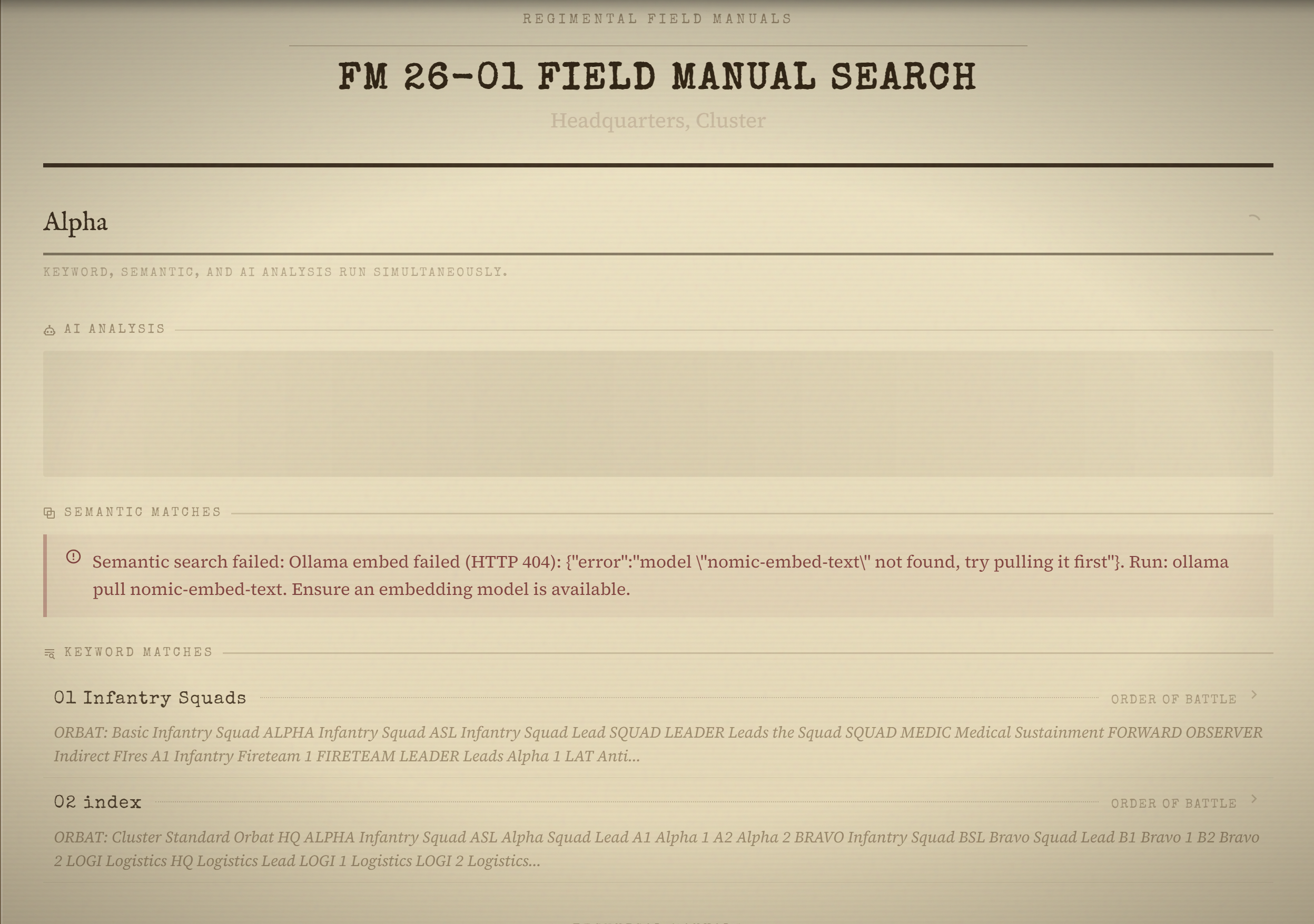
Go to Field Manual → Search, or navigate to /field-manual/search. Three search modes run at the same time:
- Keyword — full-text search against titles and page content
- Semantic — finds pages that mean the same thing as your query, even worded completely differently
- AI Analysis — writes a direct answer and cites which pages it pulled from
Results from all three are deduplicated and shown together, so you don't have to pick a mode up front.
Discord Commands
You can search the Field Manual straight from any Discord channel:
/fm search <query>— runs all three search modes and posts the results publicly, updating as each stage finishes/fm reference <query>— same search, but only you see the results; pick one page from the dropdown and the bot posts a public link to it